More Fun With Photoshop
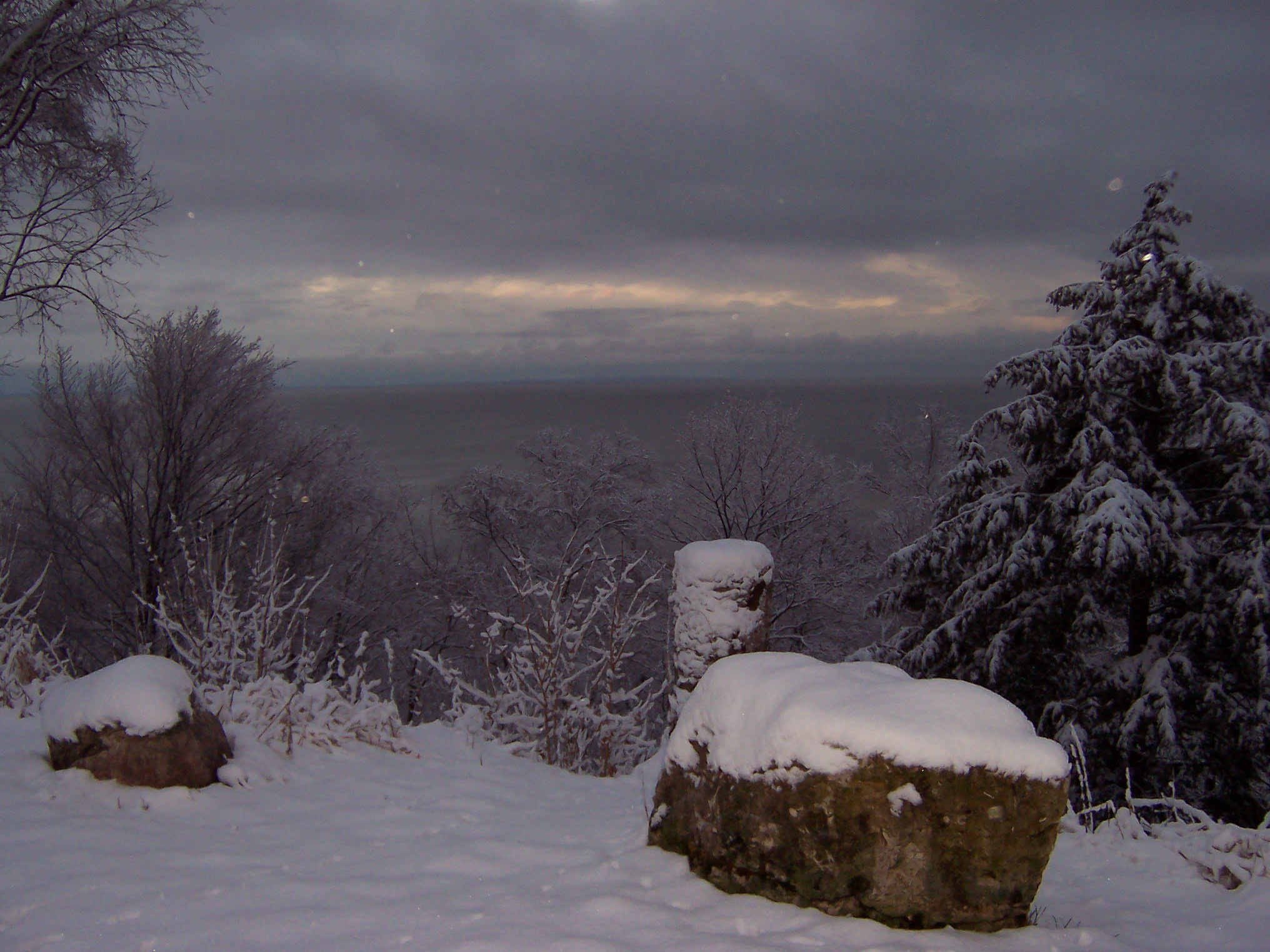
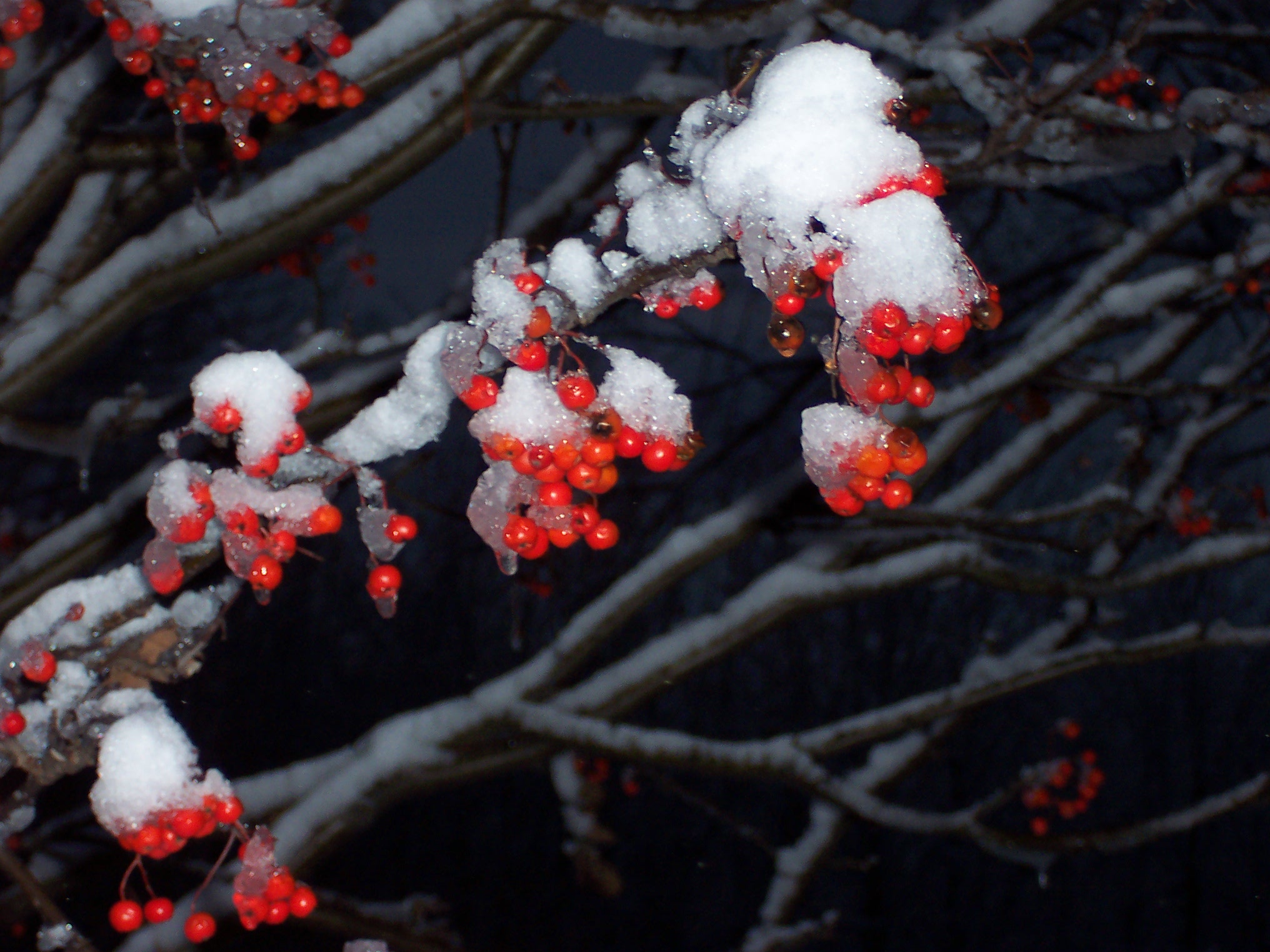
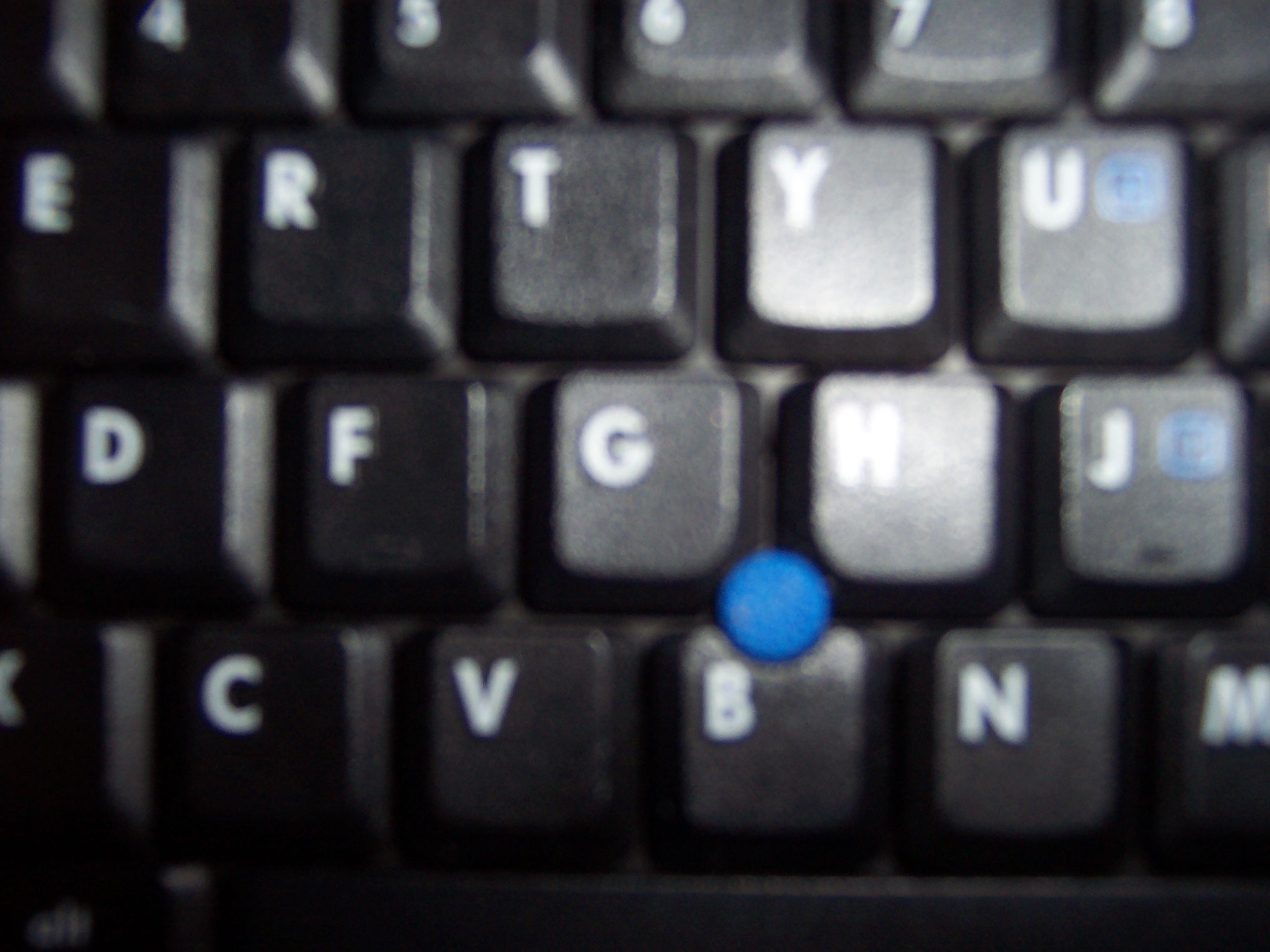
Right click on one of the images below, copy it, and paste it into a new file in Photoshop. Then play around with the features stored under "Image"-->"Adjustments" and "Filter." If you don't like any of the photos I've posted here, find one of your own at Flickr.
|
|
|

These course materials
are licensed by Lori Ostergaard under a
Creative Commons Attribution-Noncommercial-Share Alike 3.0 License.