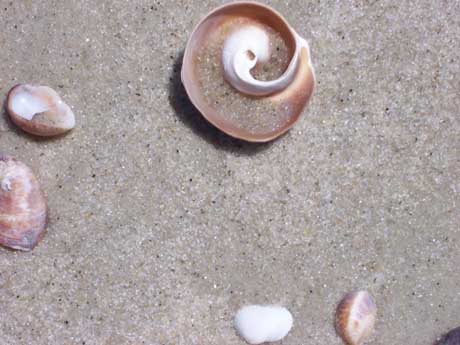
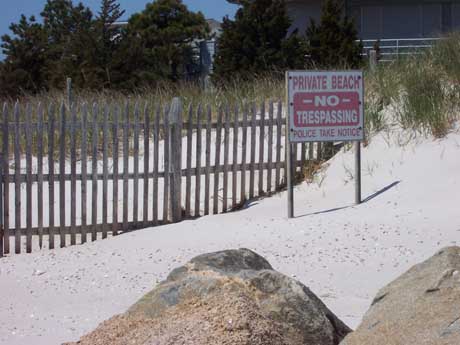
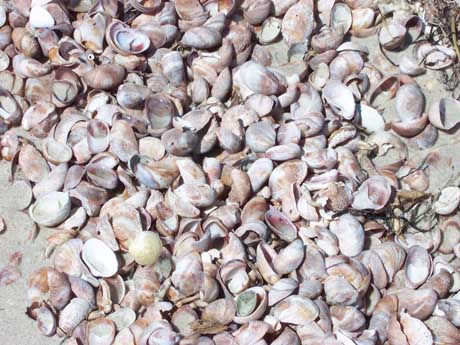
Now let's insert one of these pictures:
|
|
NOTE: All of the pictures on this page are photos I took last summer. I have no problem with you using them on your website, but if you steal pictures from other websites (without permission), you may get into serious trouble.
To save the image you want to use, right click on the picture. Save Picture As to your folder on the desktop.
Now that the picture is stored in the same place as your new webpage, go back to dreamweaver. Figure out where you want the picture to go.
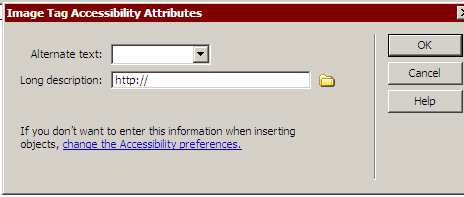
Go to Insert-->Image. Find the image in your folder. Click Okay. A box will appear. Either insert some text to describe the picture or just click "okay." Note that entering some text to describe your photo will make your website accessible to blind web users: their web reading software will read your description of the photo to them.
Your picture will now appear.