A rollover image is a picture that changes when you roll your cursor over it (example below)
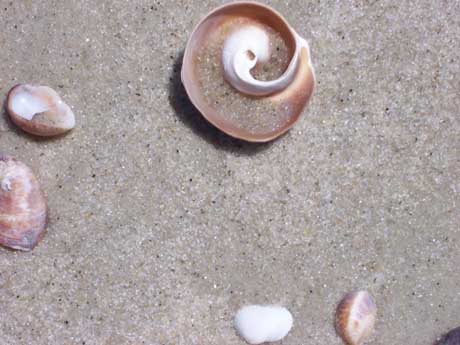
To re-create this effect, right click and save the image below to your desktop folder.
Now you have two images you can work with saved to your desktop folder.
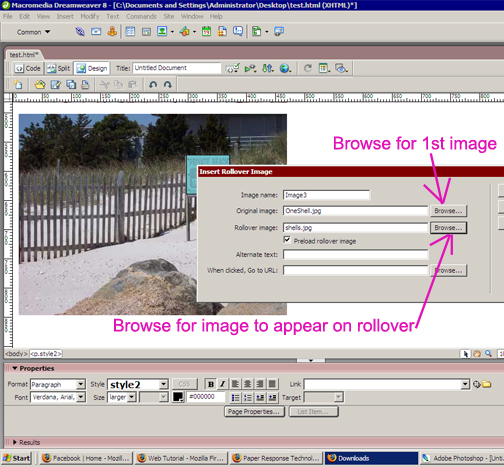
Click on Insert-->Image Objects-->Rollover Image
In the "original image" box, click browse and find the first image you want to use (this will be the image that always shows on the page)
In the "rollover image" box, click browse and find the second image you want to use (this will be the image that shows only when your cursor "rolls over" it).
If you want to, note that you can insert a link as well, so that when the cursor rolls over the image, it changes & then people can click on it to get to another page.
Click okay.
Save.
File-->Preview in Browser to see if it worked.