Next you'll want to re-save the pdf, and either send it as an attachment in email or upload it to moodle.
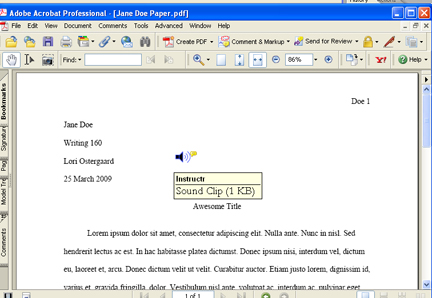
Here's what your students will see when they open their papers. They will roll their cursor over the speaker, right click, and click on "Play File."
Sample Paper with Audio Comments